
You can download the entire package by clicking on the blue link next to the cover page below. (Look for the icons that say "PDF")
Access Your PDF Files Using the Links Below:
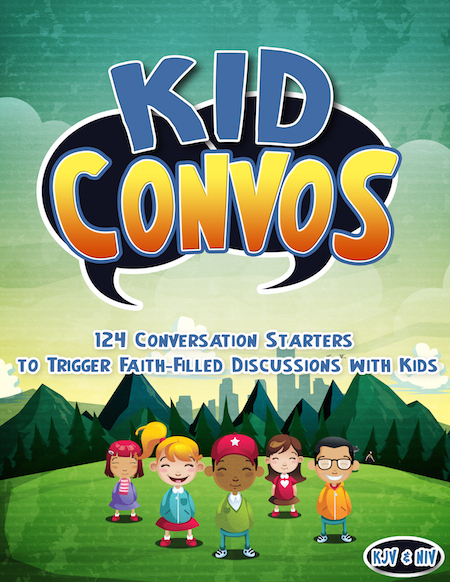
Kid Convos (124 Conversation Starters)
Downloads
 Kid Convos (KJV)
Click here to download your Lesson Pack
- Kid Convos (NIV)
Click here to download your Lesson Pack
Download Tips:
We recommend that you use Adobe Acrobat to view the PDF files. Most computers already have this PDF reader installed. However, if you don't have Adobe Acrobat on your computer, you can click here to install this program (it's free!)
How to Save & Then Access a PDF File to Your Computer:
If you are experiencing technical issues when trying to view a PDF, use the following instructions to save a PDF file to your computer's hard drive and view it.
Step 1) Right-click the link to the PDF file, and then click "Save Target As", "Save link as", "Download Linked File As" from the sub-menu.
Step 2) Specify the location on your computer where you want to save the file (for example, your Desktop), and click the "Save" button.
Step 3) After the file is saved, find the file stored on your computer and click it, the file will open in the Adobe Acrobat Reader automatically.
Having Trouble?
Please contact us by email at marykate@teachsundayschool.com or use the Live Chat button in the bottom corner.
Please include your full name and order number when contacting us for the fastest reply back. If we are not available immediately, we will get back to you within one business day.
Don't Miss These Fan Favorites...
The following Bible teaching tools have been voted "fan favorites" by our customers.
We thought you might want to have a look:
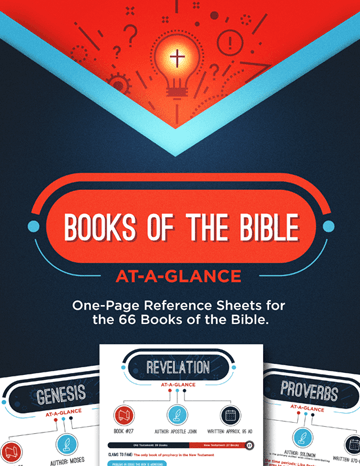
Books of the Bible At-a-Glance

Bible Jeopardy
Bible Basics
All the Facts About Jesus Lesson Pack